Skip to content

Best Crypto Wallets Guide

mm Marcus Chen 7 min read

Why Hardware Wallets Matter

Reviewed by Marcus Chen Updated

Wallet Quick Picks

  • Best Overall Ledger Nano S Plus Workhorse pick for broad asset support and long-term usability without paying for portability features.
  • Best Premium Trezor Safe 5 Premium UX with color touchscreen, haptics, and Gorilla Glass—makes secure steps feel less like chores.
  • Best Balanced BitBox02 Nails usability and security intersection with microSD backups and straightforward on-device verification.
  • Best Bitcoin-Only COLDCARD Mk4 High-control workflows with microSD signing separation—fits paranoid threat models, not casual use.

Key Security Takeaways

  • Hardware wallets isolate private keys from networked computers, making malware-based theft far harder than software-only solutions.
  • Transaction verification on the device screen is the single most effective habit to prevent losses from phishing or infected PCs.
  • Backup and recovery realism matters more than feature lists—practice small restoration drills before moving large balances.
  • Secure Element chips harden physical attack resistance; open hardware prioritizes transparency—both approaches have merit depending on threat model.
  • Touchscreens reduce PIN and passphrase entry friction, encouraging consistent use of additional security layers without shortcuts.
  • Buy direct or from authorized sellers, verify firmware updates, and confirm on-device address verification is comfortable before committing funds.

Security Architecture Approaches

On pure key isolation, you're choosing between a secure-element-centric approach and transparent general-purpose hardware with hardened workflows. Ledger's Nano S Plus uses a CC EAL6+ certified Secure Element designed to keep private keys inside that chip; the trade-off is that some stack parts are less inspectable than fully open hardware.

Trezor's Safe family added a dedicated EAL6+ secure element primarily to harden against physical attacks and support authenticity checks, while keeping the broader firmware philosophy recognizable to long-time users. BitBox02 takes a dual-chip approach—microcontroller plus secure chip—and puts real effort into reducing oops moments with straightforward verification.

COLDCARD Mk4 is the outlier: intentionally Bitcoin-only and famous for workflows that can keep signing separated from a networked computer by using a microSD card. This architecture fits advanced users willing to learn a more deliberate process in exchange for tighter operational separation.

Transaction verification is where many wallets win or lose in real life. The number-one habit that prevents losses is simple: verify the receiving address and spend destination on the wallet's own screen, not on your computer. Devices with clearer screens and better input methods reduce mistakes, especially when you enable an additional passphrase.

Touchscreens can genuinely help when responsive and readable because they make PIN and passphrase entry less painful and reduce the temptation to click through. However, a touchscreen doesn't magically protect you from an infected PC; it just makes doing the right thing consistently easier.

Backup and recovery are the most misunderstood part of self-custody. A wallet isn't safer because it can generate a recovery phrase; it's safer when you can restore correctly under stress. BitBox02's microSD-based backup flow is one of the most practical designs for people who want a fast, encrypted safety net with the option to write down recovery words too.

Best Crypto Wallets Ranked

Four hardware wallets tested on key isolation, verification ergonomics, backup realism, and ecosystem maturity.

Ledger Nano S Plus

Ledger Nano S Plus

Best Overall

Straightforward workhorse pick for broad asset support and long-term usability without paying for portability features you won't use.

  • CC EAL6+ Secure Element
  • manages 15,000+ coins and tokens
  • installs up to 100 apps
  • USB-C
  • genuinely pocketable
  • mature companion app
  • Secure Element approach less inspectable than open hardware
  • not smoothest choice for phone-first iOS workflows
Trezor Safe 5

Trezor Safe 5

Best Premium

Premium on-device experience with 1.54-inch color touchscreen, haptic feedback, Gorilla Glass 3, and IP54 rating makes secure steps feel less like chores.

  • Color display at 240 × 240
  • haptic touch
  • EAL6+ secure element
  • comfortable PIN and passphrase entry
  • on-device review feels natural
  • Higher cost relative to button-based models
  • on-device verification remains non-optional despite improved UX
BitBox02

BitBox02

Best Balanced

Nails the intersection of usability and disciplined design with capacitive touch sensors, instant microSD backups, and a large OLED display.

  • Capacitive touch sensors
  • microSD backups managed in app
  • 128 × 64 pixel OLED for verification
  • dual-chip architecture
  • reduces oops moments
  • Asset scope narrower than Ledger's massive catalog
  • USB stick form factor less premium gadget than Safe 5
COLDCARD Mk4

COLDCARD Mk4

Best Bitcoin-Only

Pick for people who want tighter operational separation with microSD-based signing workflows that can keep routine signing off networked computers.

  • MicroSD-based signing workflows
  • Bitcoin-only focus
  • can be used without USB data for routine signing
  • fits paranoid threat models
  • Not the easiest starting point
  • more deliberate process required
  • not aiming to be a multi-asset wallet
Trezor Model T

Trezor Model T

Best Legacy

No longer sold by Trezor but will receive maintenance updates until at least 2031 and critical security fixes until at least 2036—credible if you already own one.

  • Maintenance updates until 2031
  • critical security fixes until 2036
  • USB-C
  • still credible self-custody device for existing owners
  • No longer sold new
  • Safe 5 is the more future-facing option for shoppers today
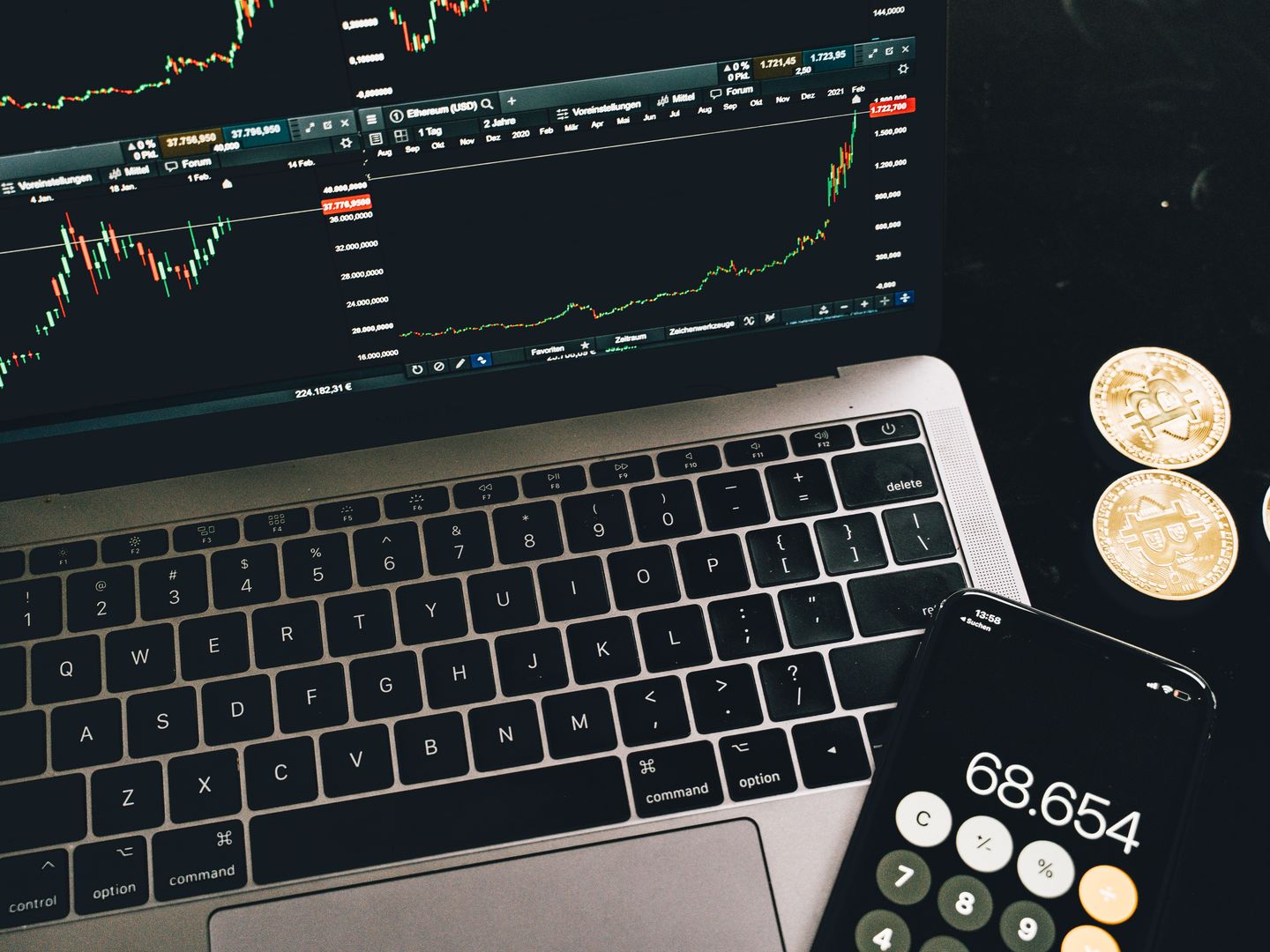
Crypto hardware wallet on desk next to laptop
Hardware wallets isolate private keys from networked computers, making malware-based theft far harder.

Pre-Purchase Checks

Six checks that prevent most hardware wallet regret cases before you commit funds

What to Verify Before Buying

Before you buy, six checks prevent most hardware wallet regret cases. First, buy direct or from an explicitly authorized seller—supply-chain swaps before the wallet reaches you are a real attack vector, and authorized channels reduce that risk significantly.

Second, confirm you can run official firmware updates. Devices that can't receive updates are ticking time bombs; verify the manufacturer has a clear update path and history of timely patches. Third, make sure on-device address verification is comfortable for your eyes—if the screen is too small or hard to read, you'll skip verification under time pressure.

Fourth, choose a backup method you will actually complete and store safely. A recovery phrase written on paper is only useful if you can find it under stress and if it hasn't been photographed or cloud-synced by accident. Fifth, confirm the device fits your primary computer or phone workflow—some wallets are smoother on desktop, others on mobile.

Sixth, practice a small recovery drill before storing meaningful amounts. Initialize the device, write down the recovery phrase, wipe it, restore from backup, and verify your test balance reappears. This drill exposes mistakes when stakes are low and builds muscle memory for the real thing.

A secure setup has five stages that should happen in order: acquire the device safely and inspect packaging for tampering; initialize it on a clean, updated computer and apply official firmware; generate keys on-device and record the recovery backup with zero photos or cloud storage; do a small receive-and-send test while verifying addresses on the device screen; only then move larger balances, and periodically re-check that your backup remains readable and complete.


Hardware Wallet Trade-Offs

Advantages

  • Private keys never leave the device, making remote malware theft far harder than software wallets.
  • On-device transaction verification prevents phishing and infected-PC spend manipulation.
  • Physical isolation forces deliberate security steps, reducing oops moments from accidental approvals.
  • Mature ecosystem support across major coins and tokens without relying on exchange custody.

Trade-Offs

  • Requires discipline to verify addresses on-screen every time—skipping verification defeats the protection.
  • Backup and recovery responsibility lies entirely with you—lost phrases mean permanent loss.
  • Physical devices can be lost, stolen, or damaged; recovery phrase storage becomes a critical weak point.
  • Higher upfront cost and learning curve compared to leaving funds on an exchange.

Pre-Funding Checklist

Complete these steps before moving significant balances to your hardware wallet to catch mistakes when stakes are low.

  • Buy direct or from authorized seller
  • Confirm firmware updates available
  • Verify on-device screen readable
  • Complete backup and store securely
  • Practice full recovery drill
  • Test small receive and send

Final Recommendation

The clean recommendation: Ledger Nano S Plus is the best overall choice for most people—broad coverage, mature ecosystem, and workhorse reliability. Trezor Safe 5 earns its premium for users who value comfort and will consistently use the secure steps. BitBox02 is the quiet winner for balanced usability and backup ergonomics. COLDCARD Mk4 is the specialist tool for Bitcoin-only, process-driven custody.

Explore All Reviews
Disclaimer This is for informational purposes only and is not financial advice. Self-custody carries the risk of permanent loss if you mishandle backups, approve the wrong address, or fall for impersonation attempts—move slowly and test your recovery plan.

The case for self-custody strengthened dramatically after high-profile exchange failures demonstrated that custodial risk is real and ongoing. When you control your private keys, you eliminate counterparty risk—no one can freeze your account, change withdrawal policies, or lose your funds in a hack or insolvency event. Hardware wallets represent the most practical balance between security and usability for individuals who want genuine ownership without trusting third parties. The learning curve is real, but the alternative is accepting that your crypto exists only as an IOU from an exchange. For anyone holding balances they can't afford to lose, self-custody isn't paranoia—it's the baseline prudent behavior in a space where you are your own bank.

Learn More

Get new articles by email

No spam — only new material on this topic.

You can unsubscribe at any time.